This section contains articles about configuring connections from Astiga to your music storage.


How do I avoid the app disappearing from the notification area when pressing pause?
When the Astiga Android app plays your music, it adds a widget to the notification area. You can see it by pulling down from the top of the screen:
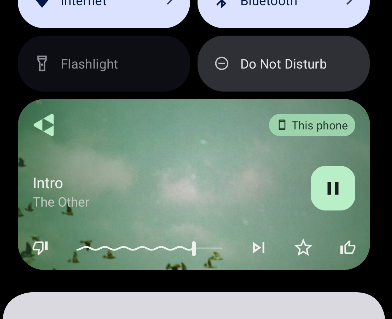
On some devices, pressing the pause button makes the widget disappear. This is frustrating: to resume playback, you have to go back and open the app again.
Keeping the widget when paused
To keep the widget after pausing, open the hamburger menu in the Astiga app, then Settings > Playback, and enable Persistent notification: